 Volero
Remote support for families, businesses and IT teams.
See and control a Mac from your iPhone, iPad, Vision Pro or another Mac, so you can fix a problem without being in the room. Volero works on Apple devices today. Windows, Linux and Android are planned, with no date.
- Available now
- iPhone, iPad, Mac, Apple Vision Pro, Apple Watch
- Planned, no date
- Windows, Linux, Android
Free for your own Macs. Needs iOS, iPadOS, macOS, visionOS or watchOS 26.

Who Volero is for
What it does for each group today, and what has to wait. We would rather tell you now than after you have downloaded it.
Individuals and families
Help a parent or a friend with their Mac without driving over. They approve the connection, and you can stop it at any time.
Today Their Mac needs Volero Host, and you need an Apple device.
Small businesses
Let one person look after the office Macs, or reach your own Mac from home or on the road. Staff helping staff, without a visit.
Today Free for your own Macs. A shared list and a record of sessions come with Business, in the next update.
IT and support teams
Take over a user’s Mac to fix it, from the iPhone or iPad in your pocket. Every new device has to be approved on the Mac first.
Today Macs only. Windows PCs are not covered yet.
Software and CRM suppliers
Support customers who run your software on a Mac, such as a reception or booking desk, without sending an engineer.
Today Macs only. Many till and reception systems run on Windows, so for those customers you need the Windows version. It is planned, not available.
Leisure operators, councils and large organizations
One support tool for the whole estate, with central control of staff, devices and networks, and a clear record of who connected.
Not yet Not ready for large rollouts. This is planned: the business portal and the Windows version. Volero holds no security certificates today.
Where Volero works
Apple devices work today. Anything marked planned is not available, has no date, and is not something you can download.
| Platform | Status | What you can do |
|---|---|---|
| iPhone | Available now | Control a Mac. Your screen becomes a trackpad. |
| iPad | Available now | Control a Mac, with Apple Pencil. |
| Mac | Available now | Control another Mac, or share this one with Volero Host. |
| Apple Vision Pro | Available now | Control a Mac. With Pro, open extra displays in their own windows. |
| Apple Watch | Available now | A companion app. |
| Windows | Planned | Not available. No date. |
| Linux | Planned | Not available. No date. |
| Android | Planned | Not available. No date. |
| Business portal | Planned | An admin panel for staff, devices, networks and policies. Not available. No date. |
| AI-assisted support | Planned | Help from AI that asks your approval before it acts. Not available. No date. |
iPhone and iPad cannot be controlled from another device. Apple does not allow any app to do that.
What it does today
Full control
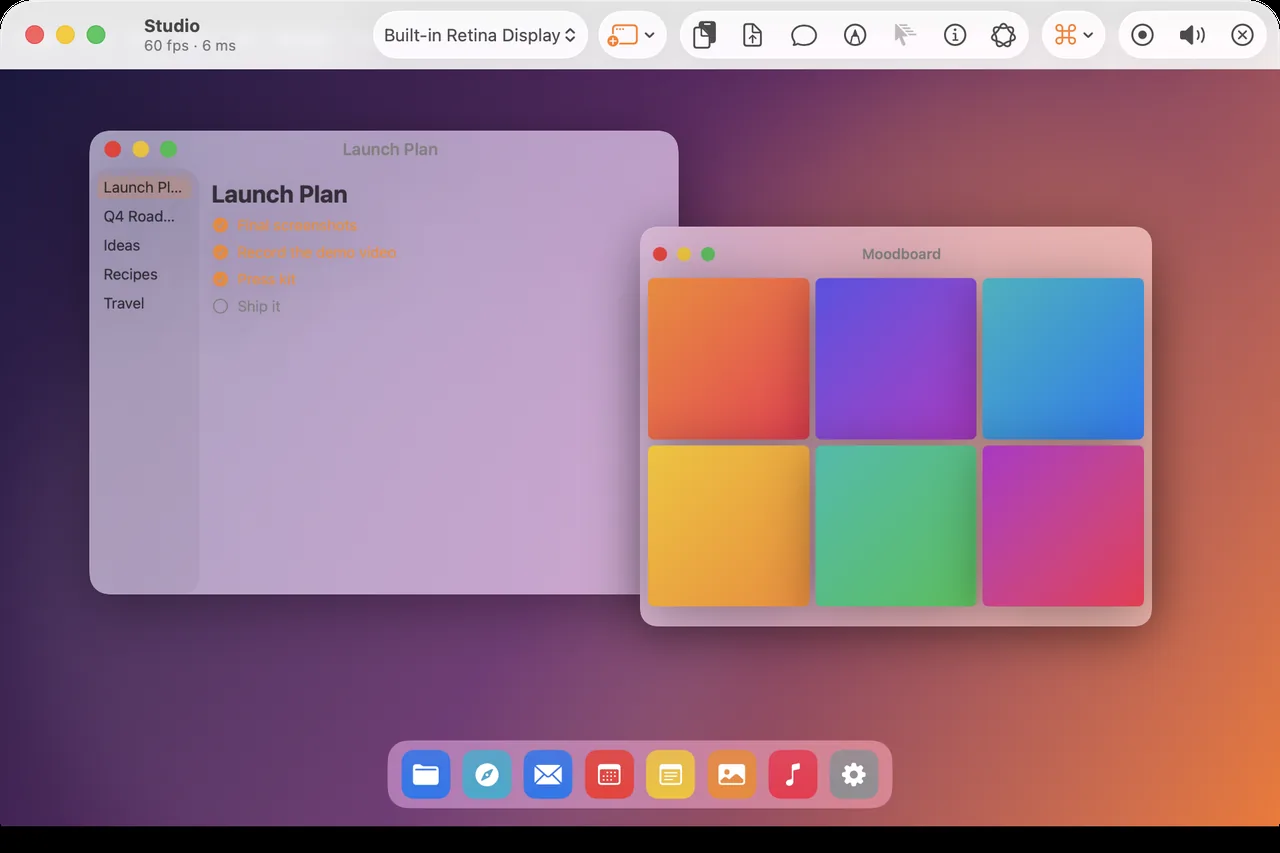
See the screen, type, click and scroll as if you were sitting at the Mac.
Trackpad mode
On iPhone your screen becomes a trackpad. A tap clicks exactly under the ring.
Apple Pencil
On iPad the Pencil points directly at what you want.
Sound, files and clipboard
Hear your Mac, send files both ways, and copy and paste between devices.
More than one display
Pick any of your Mac’s screens. With Pro, open another in its own window on iPad, Mac and Vision Pro.
Text on screen
Select, copy or translate any text your Mac shows, even inside a video, with Live Text.
Wake a sleeping Mac
Wake your Mac over the network, if it is set to allow that.
Five languages
Volero speaks English, German, French, Spanish and Japanese.
On the devices you already own
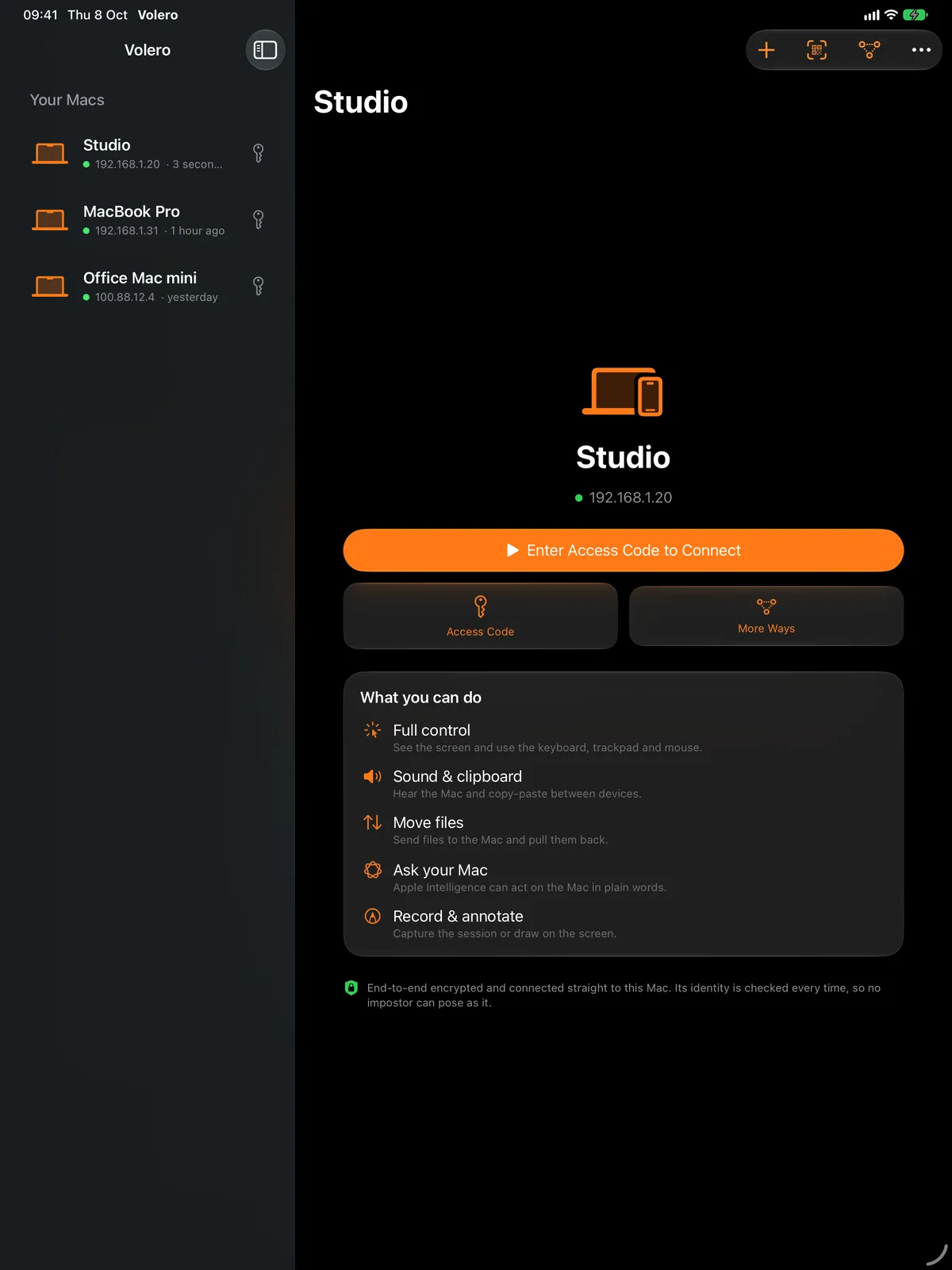
Your Macs appear in a list. Tap one, enter the access code, and you are in. The same app runs on iPhone, iPad, Mac and Vision Pro, with a companion on Apple Watch.
What is next
In progress and planned. A plan is not a promise, and we give no dates until we are sure.
See the full roadmap- In progress
Pro and Business on the App Store
Pro (£149 once) and Business (£7.99 a month or £59.99 a year) are set up and wait for the next App Store update.
- In progress
Connecting from another network by QR code
The QR code now carries your Mac’s public addresses. This is being tested. It will not work on every network, for example behind carrier-grade NAT.
- Planned
Business portal
An admin panel for staff, devices, networks and policies. Planned. Not available. No date.
- Planned
AI-assisted support
Help from AI that asks your approval before it acts. Planned. Not available. No date.
- Planned
Optional relay for strict networks
For networks that block direct connections. Planned. Not available. No date.
Set up in a minute
Install Volero Host on your Mac.
Allow Screen Recording and Accessibility when macOS asks. That is what lets you see and control the Mac.
Open Volero on your iPhone, iPad, Vision Pro or another Mac.
Your Mac appears on the same network.
Enter the access code, or scan the QR code.
Approve the device on the Mac. Choose Always Allow for your own devices.
Away from home? Connect through your own iCloud, add your Mac by address, or use a private network such as Tailscale. Scanning the QR code from another network is being tested. It may not work on every network, for example some mobile networks.
Your screen stays yours
No Volero session server
The picture goes from your Mac to your device. We do not run a server in the middle.
No account
Your own iCloud can remember where your Macs are. There is nothing to sign up for.
Encrypted end to end
Every session uses post-quantum encryption. A wrong access code is refused before any picture is sent.
You approve each device
The Mac asks before a new device connects. You can turn on Face ID and end any session at once.
Nothing collected
No analytics, no tracking and no ads. The App Store privacy label says Data Not Collected.
Free for your own Macs
Pro and Business are optional. They arrive in the next update, through the App Store. Prices are in pounds; the App Store shows your local price.
- FreeAvailable now£0for ever, for your own Macs
Control all your own Macs from iPhone, iPad, Vision Pro, Mac and Watch. Sound, files, clipboard and chat.
- ProNext update£149paid once
Everything in Free, plus session recording and extra display windows on iPad, Mac and Vision Pro.
- BusinessNext update£7.99a month, or £59.99 a year
Everything in Pro, plus team tools: a shared Mac list, per-person access, an admin console and an audit log. 14-day free trial for new subscribers in the UK. Cancel any time in your Apple Account settings.
Questions
Who is Volero for?
Volero is remote support for people and teams: families helping each other, small businesses, IT and support teams, and software suppliers who look after customers. Today it works on Apple devices and controls Macs. Larger organizations are not yet catered for: the business portal and the Windows, Linux and Android versions are planned, with no date.
Can I control my Mac from my iPhone or iPad?
Yes. Install Volero Host on the Mac and Volero on your iPhone, iPad, Vision Pro or another Mac. Enter the access code shown on the Mac. Volero also has an Apple Watch companion.
Does it work on Windows, Linux or Android?
Not yet. Volero works on Apple devices only today. Windows, Linux and Android apps are planned. There is no date, and nothing to download yet. The roadmap shows where things stand.
Does it work away from home?
Yes. Connect through your own iCloud, or add your Mac by address. A private network such as Tailscale also works. Scanning the QR code from another network is being tested and may not work on every network.
Is it private and secure?
Every session is encrypted end to end with post-quantum encryption and goes straight between your devices. Volero runs no session server, and there are no accounts. The Mac’s owner approves each new device. The App Store privacy label says Data Not Collected.
Is it free? What do Pro and Business cost?
Controlling your own Macs is free. Volero Pro is £149, paid once. Volero Business is £7.99 a month or £59.99 a year. Both are bought through the App Store and arrive in the next update.
Do I need an account?
No. Volero connects your devices directly. Your own iCloud can remember where your Macs are. There is nothing to sign up for with us.
Why is Volero Host not on the Mac App Store?
The Host needs deep access to move your mouse and keyboard, which Mac App Store apps are not allowed to have. So it is a notarized download, checked by Apple. The app you control from is a normal App Store app.
Can I control an iPhone or iPad remotely?
No. Apple does not allow any app to do that. Volero controls Macs from any Apple device.
How does Volero compare?
Honest comparisons with Splashtop, TeamViewer, AnyDesk, ScreenConnect, RustDesk and Microsoft’s tools. We say where they do more, and show our sources.